Roblox thumbnails
Roblox thumbnails as loud as the game
An avatar next to its real-life version, a ridiculous object, a face that panics: Roblox thumbnails sell the absurd. Fleekio builds yours around your video and your face.
Examples
Six Roblox thumbnails rebuilt by Fleekio
Each one starts from a popular Roblox thumbnail: Fleekio swapped in its fictional character and removed the logos.
-
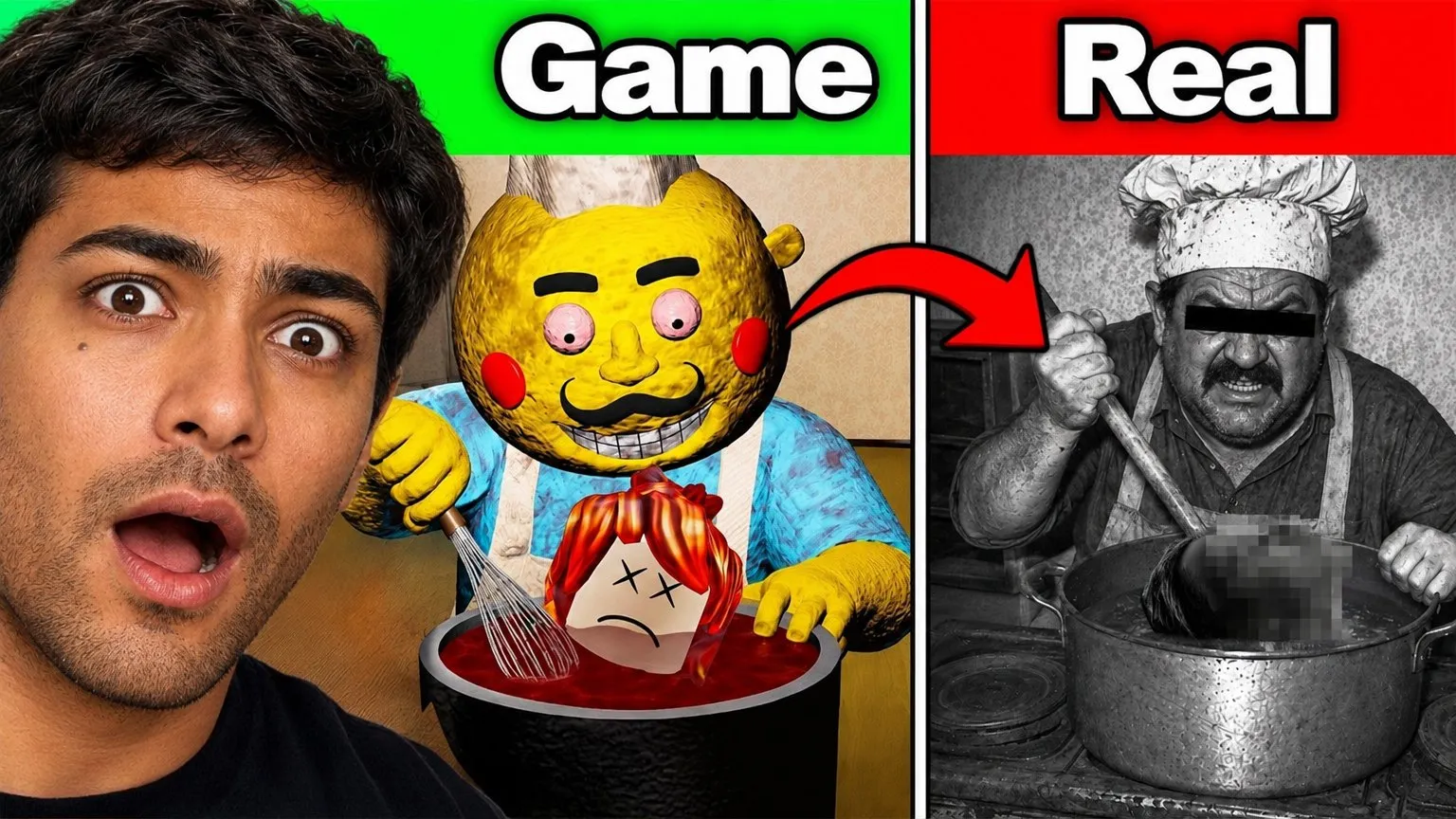
Game vs real
Your face on the left, the in-game character next to its real-life version, labeled Game and Real.
-
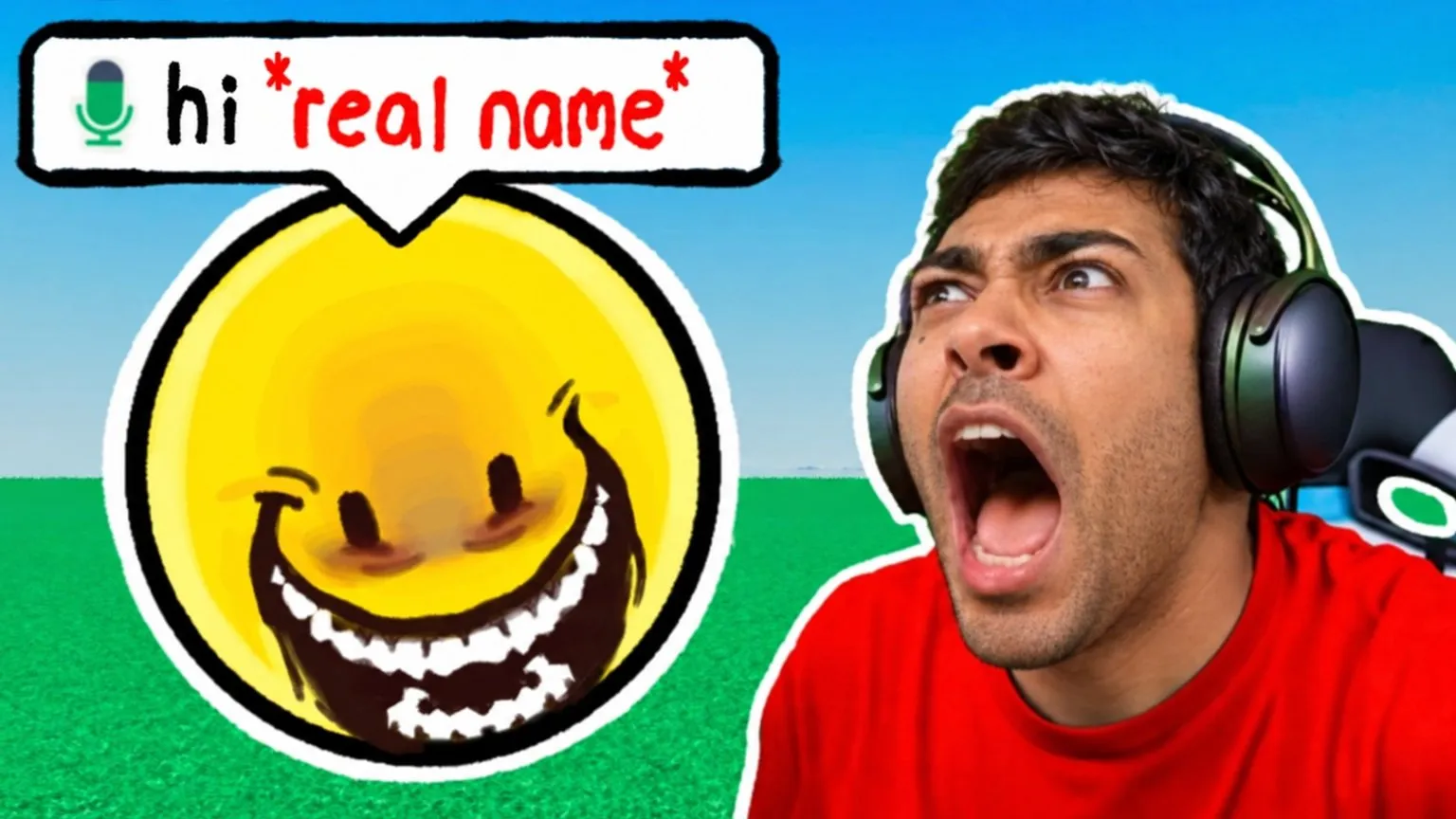
Voice chat bait
A giant grinning emoji with a voice-chat bubble, and your face screaming on the right.
-
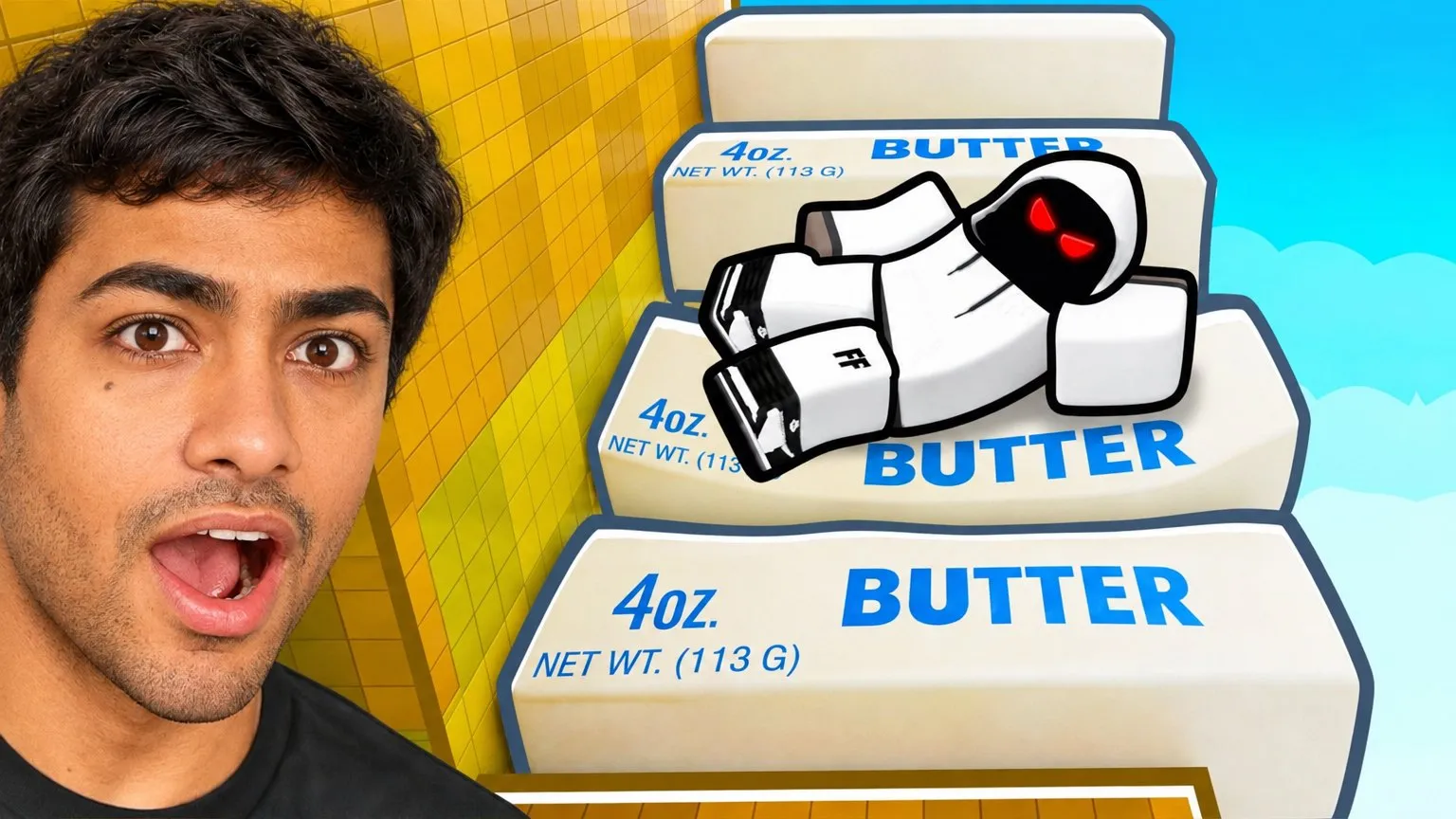
The absurd object
Your surprised face beside an oversized object from the game, here a stack of butter blocks.
-
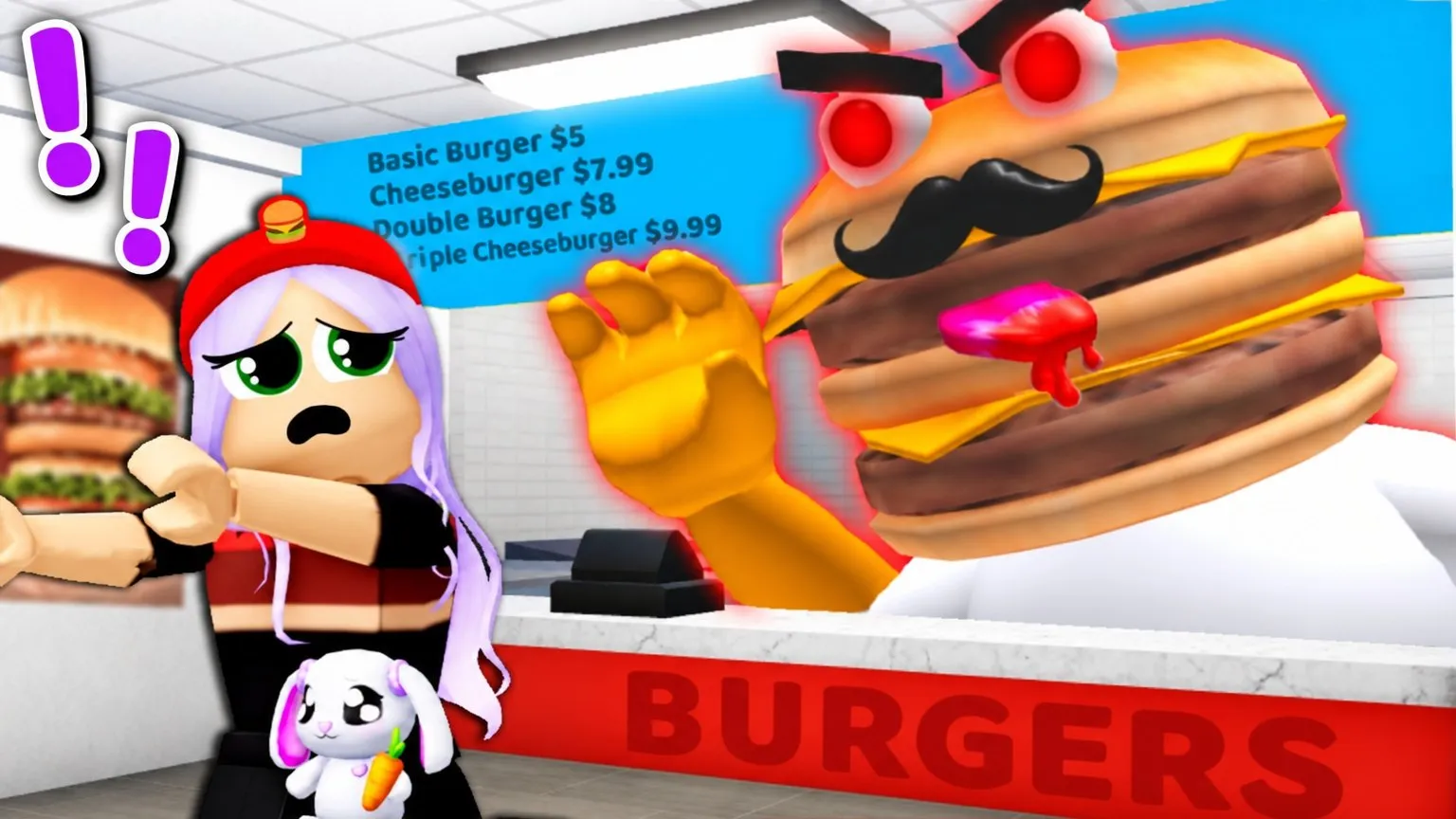
The obby villain
A cartoon avatar cornered by a monster burger in a restaurant obby. No face needed.
-
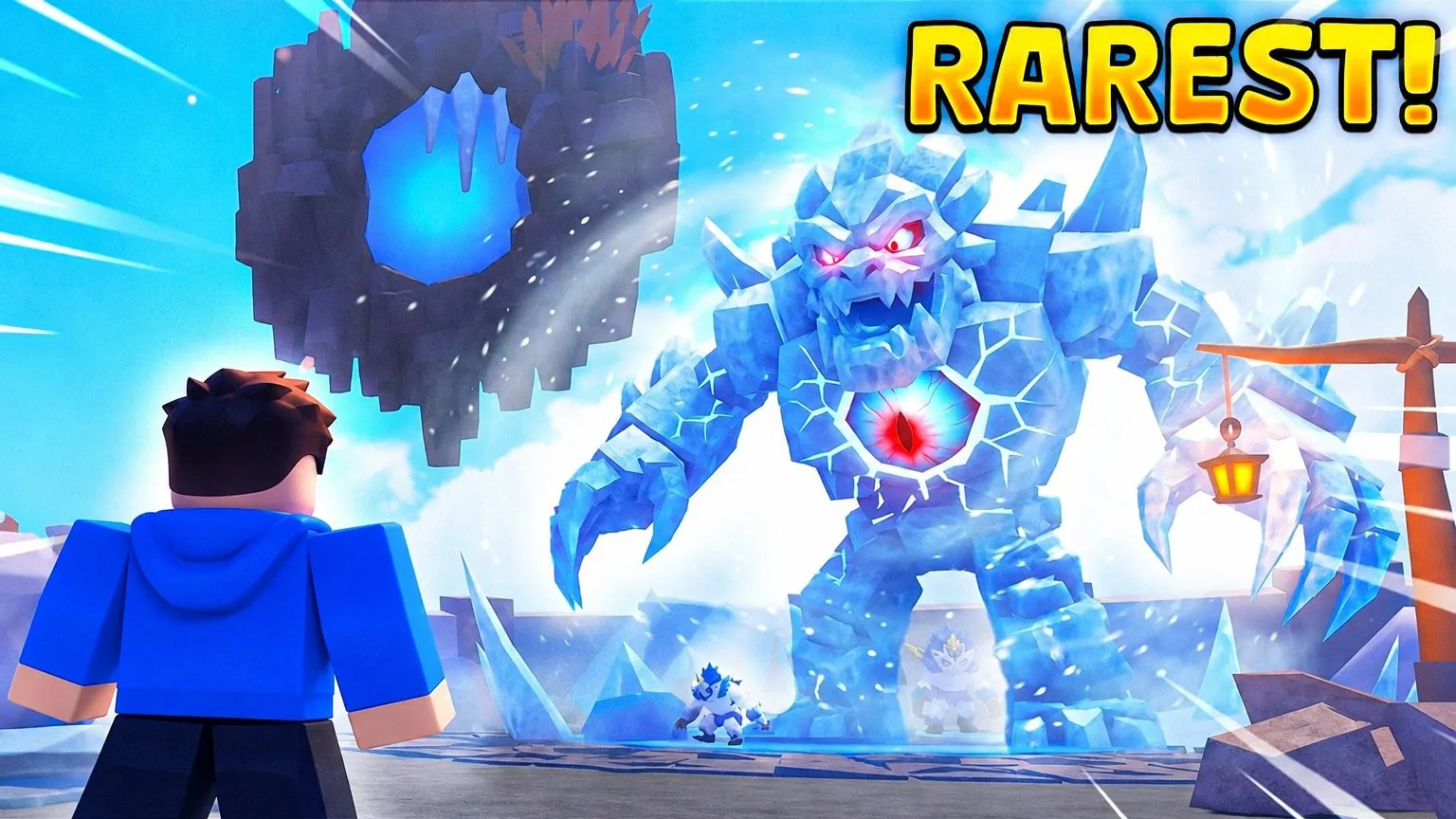
The rarest find
A huge ice creature towering over a small avatar, with a single yellow word: RAREST!
-
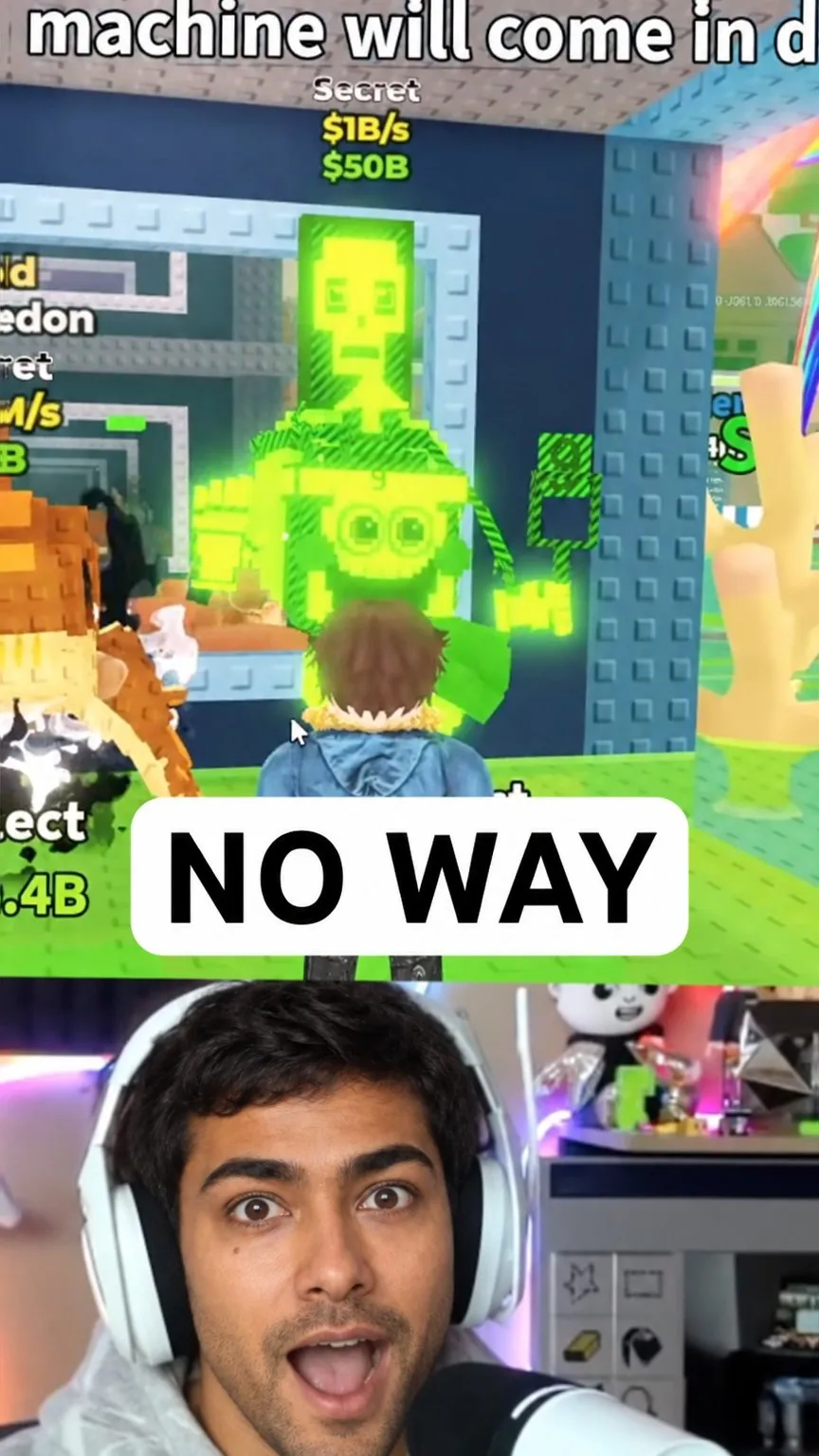
Shorts split 9:16
Game footage on top, your reaction below and one caption in the middle.
What works
What a Roblox thumbnail has to do
-
Game vs real life
The contrast between an avatar and its real-life version is a Roblox classic. Put them side by side and label both.
-
Exaggerate one object
A giant block of butter, a monster burger: one absurd object from the game, much bigger than it should be.
-
Your reaction sells it
A face that screams, laughs or panics tells the viewer how the video feels before they read anything.
-
Flat, bright colors
Clean shapes and saturated colors, like the game itself, stay readable at phone size.
How it works
From your game to the thumbnail
- 01
Describe the video
Paste the YouTube link or write what happens: the game, the challenge, the twist.
- 02
Pick a layout
Game vs real, face and object, faceless scene, or a vertical cover for Shorts.
- 03
Generate and adjust
Compare variants, change the expression or the text, then check them in the real feed with the free thumbnail tester.
Roblox thumbnail questions
Can Fleekio add the official Roblox logo?
No. Fleekio does not add official game logos, and the examples on this page have none. Logos and game assets belong to their publisher: read its usage guidelines before you put them on a thumbnail.
What size is a Roblox YouTube thumbnail?
The same as any YouTube video: 1280 × 720 in 16:9, under 2 MB. Shorts covers use 1080 × 1920.
Does it work for Roblox Shorts?
Yes. Pick a vertical layout and Fleekio renders 1080 × 1920, with the face and the text kept away from the edges the app covers with buttons.
How much does a Roblox thumbnail cost?
Fleekio costs €10 per month, and each image is billed at cost by your AI provider: between about $0.05 and $0.11 per generation in our own tests. You start with 10 free generations.
Your next game deserves the click
Generate Roblox thumbnails with your face, on your own API key.
Try 10 generations freeNo card required